
Webhooks
Webhooks let you send real-time HTTP notifications to external services when events occur in SetGet. Every time a work item is created, a comment is posted, a cycle starts, or any other tracked event happens, SetGet sends a JSON payload to the URL you specify. Use webhooks to connect SetGet with CI/CD pipelines, monitoring dashboards, custom bots, or any service that accepts HTTP callbacks.
How webhooks work
- You create a webhook in SetGet and specify a URL, a secret, and the events you want to listen to.
- When a matching event occurs, SetGet constructs a JSON payload describing the event.
- SetGet sends an HTTP POST request to your URL with the payload in the body and a signature in the headers.
- Your server processes the payload and responds with an HTTP 2xx status code.
- If delivery fails, SetGet retries with exponential backoff.
Creating a webhook
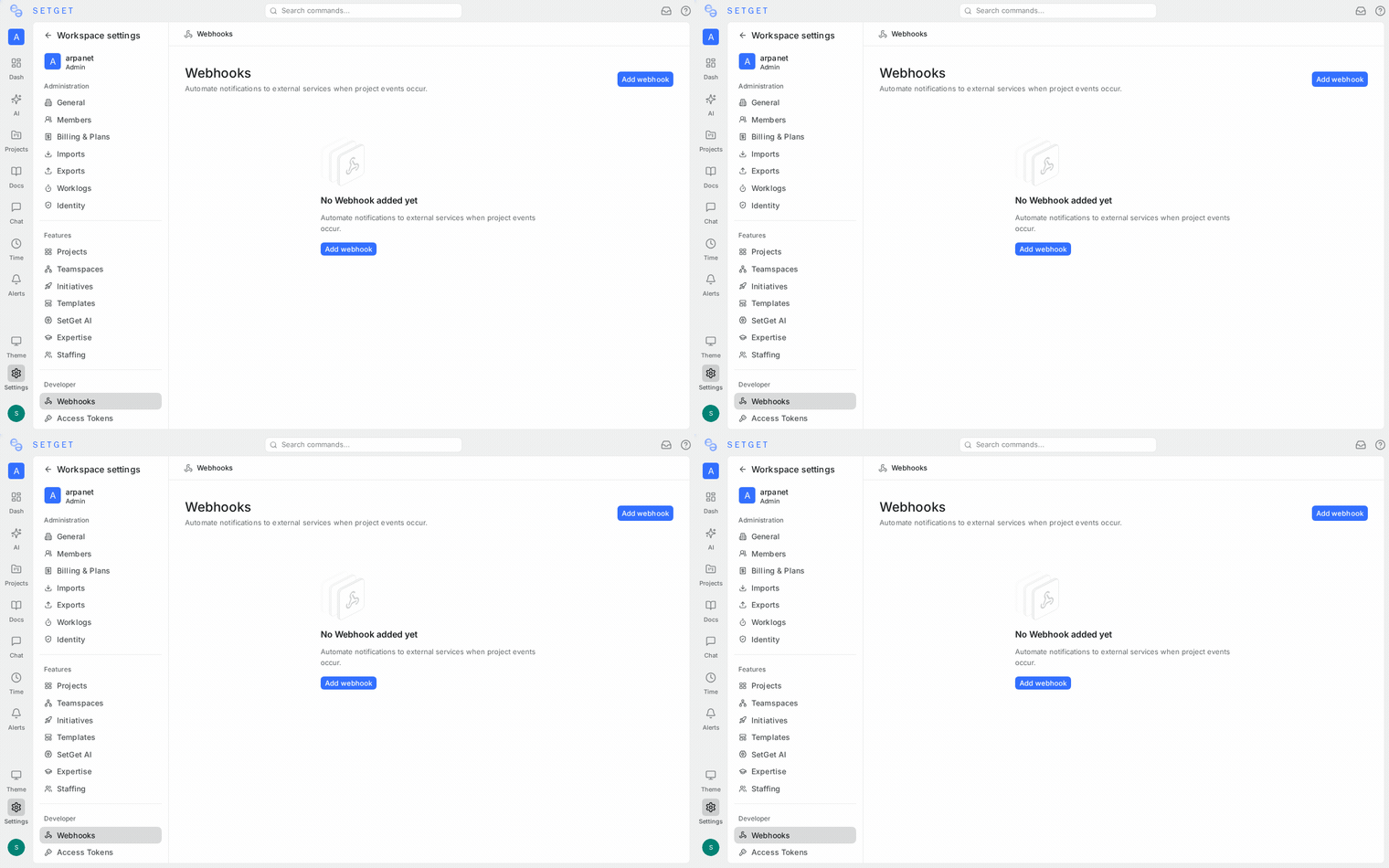
- Go to Settings > Webhooks (workspace-level) or Project Settings > Webhooks (project-level).
- Click Create Webhook.
- Fill in the fields:
| Field | Required | Description |
|---|---|---|
| URL | Yes | The endpoint that will receive POST requests |
| Secret | Recommended | A shared secret used to sign payloads for verification |
| Events | Yes | One or more event types to subscribe to |
| Description | No | A human-readable note about the webhook's purpose |
| Active | Yes | Toggle to enable or disable without deleting |
- Click Save.
TIP
Always set a webhook secret. Without it, you cannot verify that incoming requests are genuinely from SetGet.
Event types
Work item events
| Event | Trigger |
|---|---|
work_item.created | A new work item is created |
work_item.updated | A work item's fields change (state, priority, assignee, labels, dates, title, description) |
work_item.deleted | A work item is deleted |
work_item.archived | A work item is archived |
work_item.unarchived | A work item is restored from archive |
Comment events
| Event | Trigger |
|---|---|
comment.created | A comment is added to a work item |
comment.updated | A comment is edited |
comment.deleted | A comment is removed |
Cycle events
| Event | Trigger |
|---|---|
cycle.created | A new cycle is created |
cycle.updated | A cycle's dates, title, or status change |
cycle.started | A cycle's start date is reached |
cycle.completed | A cycle's end date is reached or it is manually completed |
cycle.deleted | A cycle is deleted |
Module events
| Event | Trigger |
|---|---|
module.created | A new module is created |
module.updated | A module's fields change |
module.deleted | A module is deleted |
Project events
| Event | Trigger |
|---|---|
project.created | A new project is created in the workspace |
project.updated | A project's settings change |
project.deleted | A project is deleted |
Member events
| Event | Trigger |
|---|---|
member.invited | A new member is invited to the workspace |
member.joined | An invited member accepts and joins |
member.removed | A member is removed from the workspace |
member.role_changed | A member's role is updated |
Label events
| Event | Trigger |
|---|---|
label.created | A new label is created |
label.updated | A label is renamed or its color changes |
label.deleted | A label is deleted |
Page events
| Event | Trigger |
|---|---|
page.created | A new page is created |
page.updated | A page's content or title changes |
page.deleted | A page is deleted |
Intake events
| Event | Trigger |
|---|---|
intake.submitted | A new intake request is submitted |
intake.accepted | An intake request is accepted and converted to a work item |
intake.declined | An intake request is declined |
Payload format
All webhook payloads follow the same JSON structure:
{
  "event": "work_item.created",
  "timestamp": "2026-03-29T14:30:00Z",
  "workspace": {
    "id": "ws_abc123",
    "slug": "my-workspace"
  },
  "project": {
    "id": "proj_def456",
    "name": "Web App",
    "identifier": "WEB"
  },
  "data": {
    "id": "wi_ghi789",
    "title": "Fix dashboard loading issue",
    "state": "Backlog",
    "priority": "High",
    "assignees": ["alice@example.com"],
    "labels": ["bug", "frontend"],
    "created_at": "2026-03-29T14:30:00Z",
    "updated_at": "2026-03-29T14:30:00Z"
  },
  "actor": {
    "id": "user_jkl012",
    "email": "bob@example.com",
    "display_name": "Bob"
  }
}
Field descriptions
| Field | Type | Description |
|---|---|---|
event | string | The event type (e.g., work_item.created) |
timestamp | string (ISO 8601) | When the event occurred |
workspace | object | Workspace identifiers |
project | object | Project identifiers (null for workspace-level events) |
data | object | The full entity data relevant to the event |
actor | object | The user who triggered the event (null for system events) |
Update payloads
For *.updated events, the data object includes a changes field:
{
  "event": "work_item.updated",
  "data": {
    "id": "wi_ghi789",
    "title": "Fix dashboard loading issue",
    "changes": {
      "state": {
        "old": "Backlog",
        "new": "In Progress"
      },
      "assignees": {
        "old": [],
        "new": ["alice@example.com"]
      }
    }
  }
}
Webhook delivery
Request format
SetGet sends webhooks as HTTP POST requests with the following headers:
| Header | Value |
|---|---|
Content-Type | application/json |
X-SetGet-Event | The event type (e.g., work_item.created) |
X-SetGet-Signature | HMAC-SHA256 signature of the payload body |
X-SetGet-Timestamp | Unix timestamp of the delivery attempt |
X-SetGet-Delivery-ID | Unique identifier for this delivery |
User-Agent | SetGet-Webhook/1.0 |
Retry policy
If your endpoint does not respond with an HTTP 2xx status code within 10 seconds, SetGet retries:
| Attempt | Delay after failure |
|---|---|
| 1st retry | 1 minute |
| 2nd retry | 5 minutes |
| 3rd retry | 30 minutes |
| 4th retry | 2 hours |
| 5th retry | 12 hours |
After 5 failed retries (6 total attempts), the delivery is marked as failed. Permanently failing webhooks are automatically disabled after 3 consecutive events fail all retries.
WARNING
Ensure your endpoint responds within 10 seconds. Long-running processing should be handled asynchronously after sending the 200 response.
Delivery ordering
Webhook deliveries are sent in the order events occur, but due to network conditions and retries, your endpoint may receive them out of order. Use the timestamp field to determine the correct sequence.
Testing webhooks
Built-in test
- Go to the webhook configuration page.
- Click Send Test.
- SetGet sends a test event with sample data to your URL.
- Check the delivery log to see the response.
Using a public inspection tool
For initial testing, use a service like https://webhook.site or https://requestbin.com to capture and inspect payloads before pointing the webhook at your production endpoint.
Webhook logs
Every webhook delivery is logged. To view logs:
- Go to Settings > Webhooks or Project Settings > Webhooks.
- Click on the webhook.
- Open the Delivery Log tab.
Each log entry shows:
| Column | Description |
|---|---|
| Event | The event type |
| Status | Success (2xx), failed, or pending retry |
| Response code | The HTTP status code returned by your endpoint |
| Timestamp | When the delivery was attempted |
| Duration | Response time in milliseconds |
| Delivery ID | Unique identifier for tracing |
Click on a log entry to see the full request payload and response body.
TIP
Use delivery logs to debug integration issues. If your endpoint returns a 4xx or 5xx error, the response body is captured in the log.
Editing a webhook
- Go to the webhook list.
- Click on the webhook you want to edit.
- Modify the URL, secret, events, or active status.
- Click Save.
Changes take effect immediately for future events.
Deleting a webhook
- Go to the webhook list.
- Click the Delete button (or the trash icon) next to the webhook.
- Confirm the deletion.
Deleting a webhook stops all future deliveries and removes the delivery log history.
Security -- Signature verification
Every webhook request includes an X-SetGet-Signature header containing an HMAC-SHA256 signature. Verify this signature on your server to confirm the request is from SetGet.
Verification steps
- Extract the
X-SetGet-Signatureheader value. - Compute the HMAC-SHA256 of the raw request body using your webhook secret as the key.
- Compare the computed signature with the header value using a constant-time comparison function.
- If they match, the request is authentic. If not, reject it.
Example (Go)
func verifySignature(body []byte, secret, signature string) bool {
    mac := hmac.New(sha256.New, []byte(secret))
    mac.Write(body)
    expected := hex.EncodeToString(mac.Sum(nil))
    return hmac.Equal([]byte(expected), []byte(signature))
}
Example (Node.js)
const crypto = require("crypto");

function verifySignature(body, secret, signature) {
  const expected = crypto.createHmac("sha256", secret).update(body).digest("hex");
  return crypto.timingSafeEqual(Buffer.from(expected), Buffer.from(signature));
}
WARNING
Never skip signature verification in production. Without it, any party that knows your webhook URL can send fake events.
Best practices
- Use HTTPS -- always use an HTTPS endpoint to prevent payload interception.
- Respond quickly -- return a 200 immediately and process the payload asynchronously.
- Handle duplicates -- use the
X-SetGet-Delivery-IDheader to deduplicate if the same event is received twice. - Rotate secrets -- periodically rotate your webhook secret and update it in SetGet.
- Monitor delivery logs -- check logs regularly to catch failing webhooks before they are auto-disabled.