
Introduction to SetGet
SetGet is a modern project management platform that helps teams plan, track, and deliver work. It brings together work item tracking, sprint planning, knowledge management, real-time chat, and AI assistance in a single integrated workspace.
What SetGet does
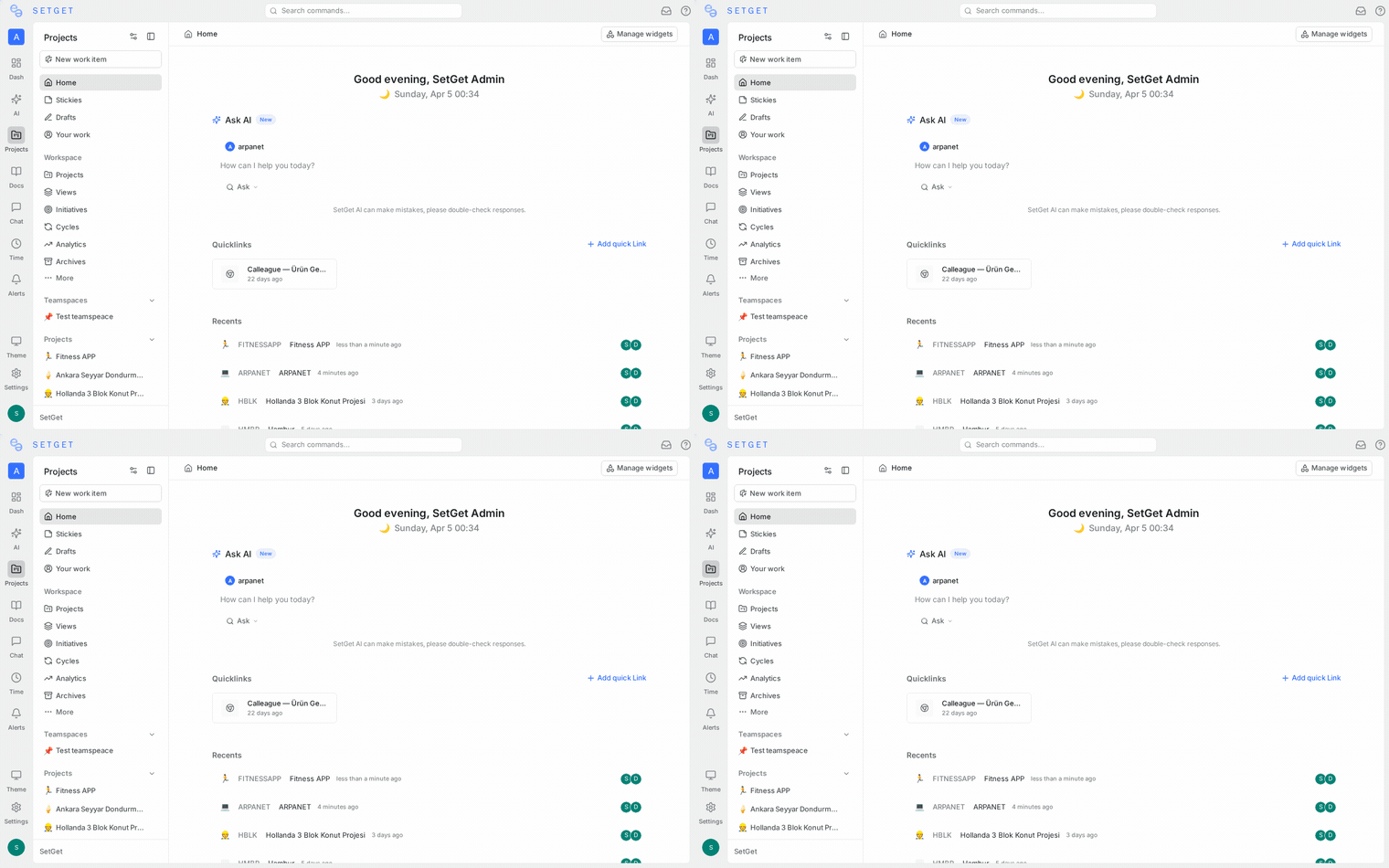
SetGet replaces the need for multiple disconnected tools by offering a unified platform for every stage of your project lifecycle:
Track work with precision
Every task, bug, feature request, and improvement lives as a work item in SetGet. Each work item carries rich metadata — status, priority, assignees, labels, estimates, dates, and custom properties — giving your team full visibility into what needs to be done and who is responsible.
Work items can be viewed in five different layouts depending on how you think:
- List — a clean, scannable format for quick triage
- Kanban — visual columns grouped by status, priority, or any property
- Spreadsheet — an editable grid for bulk updates
- Calendar — work organized by due dates
- Gantt — timeline visualization with dependency tracking
Plan with cycles and modules
Cycles are time-boxed iterations (sprints) where you commit to delivering a set of work items. They help your team maintain a predictable delivery rhythm and measure velocity over time.
Modules group related work items by feature or theme, letting you track progress on a specific initiative regardless of which cycle the work falls into.
Together, cycles and modules give you both time-based and scope-based planning in one platform.
Organize knowledge with pages
SetGet includes a built-in page editor for creating rich documentation. Pages support headings, tables, code blocks, embedded diagrams, images, and more. You can organize pages into hierarchical structures, build a wiki for your team, and even publish pages publicly.
The editor includes AI-powered writing assistance to help you draft, refine, and expand your content.
Communicate in real time
SetGet Chat is a built-in messaging system with channels, direct messages, threads, reactions, pins, and presence indicators. Instead of switching to a separate messaging app, your team can discuss work right where it happens.
Chat integrates directly with your workspace — you can reference work items, share updates, and coordinate without leaving the platform.
Automate repetitive tasks
Automations let you define rules that trigger actions automatically. For example, you can auto-assign work items based on labels, change status when certain conditions are met, or notify team members when a cycle is about to end.
Get AI-powered insights
SetGet AI understands your workspace context. You can ask it to create work items, summarize project status, analyze cycle progress, or answer questions about your data — all through a natural language chat interface.
Connect with your tools
SetGet integrates with GitHub, GitLab, Slack, Sentry, and Draw.io. You can also send real-time events to any external service using webhooks, or import data from Jira, Asana, Linear, ClickUp, Notion, Confluence, and CSV files.
How SetGet is organized
SetGet follows a clear hierarchy:
Workspace
├── Projects
│   ├── Work Items
│   ├── Cycles (sprints)
│   ├── Modules (feature groups)
│   ├── Views (saved filters)
│   └── Pages (documentation)
├── Teamspaces
├── Chat Channels
├── Dashboards
└── Analytics- Workspace — the top-level container. Your organization has one or more workspaces, each with its own members, projects, and settings.
- Projects — where actual work happens. Each project has its own states, labels, estimates, and team members.
- Work Items — the fundamental unit of work. Everything you need to do is a work item.
Who SetGet is for
SetGet adapts to teams of any size and methodology:
- Startups can use the lightweight setup to move fast with minimal overhead
- Growing teams benefit from cycles, modules, and structured workflows
- Enterprises get role-based access control, SSO, audit logs, and admin panel for full governance
- Remote teams use real-time chat, notifications, and shared pages to stay aligned
Whether you follow Agile, Scrum, Kanban, or a custom workflow, SetGet provides the building blocks to match your process.
What makes SetGet different
- Everything in one place — work tracking, documentation, chat, analytics, and AI in a single platform
- Five layout options — see your work the way you think, not the way the tool forces you to
- Real-time collaboration — chat, presence indicators, live notifications, and concurrent page editing
- AI that understands context — not a generic chatbot, but an assistant that knows your workspace data
- Powerful filtering — the SetGet Query Language lets you write precise queries across any property
- Built-in automation — reduce manual work with trigger-action rules
- Full admin control — instance-level settings, user management, SMTP, storage, feature flags, and audit logs
Next steps
- Quickstart Guide — Get up and running in 5 minutes
- Core Concepts — Understand the building blocks of SetGet
- Tutorials — Step-by-step walkthroughs for every feature
- Keyboard Shortcuts — Navigate SetGet like a power user